Here’s a basic Illustrator tutorial on how to crop an area from a group of multiple shapes or just hide unwanted parts by using opacity masks or clipping masks. I used these numerous times on things like Vector Rulers or Vector Guitars.
Read more

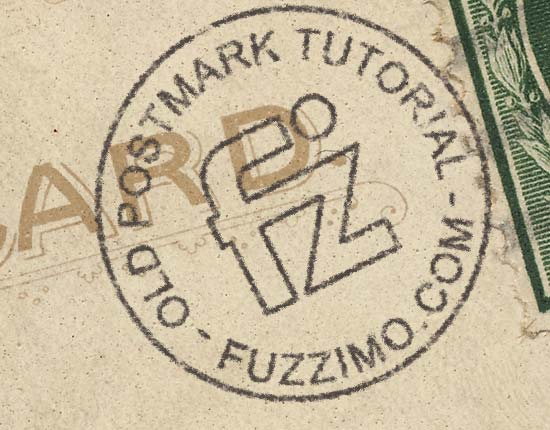
Hmm, I haven’t really done any Photoshop tutorials. Strange thing considering I use it very often : ). So here’s one on how to add a vintage custom made postmark to the old postcards and airmail envelopes from my previous posts. It’s a cool way of personalizing them.
Read more
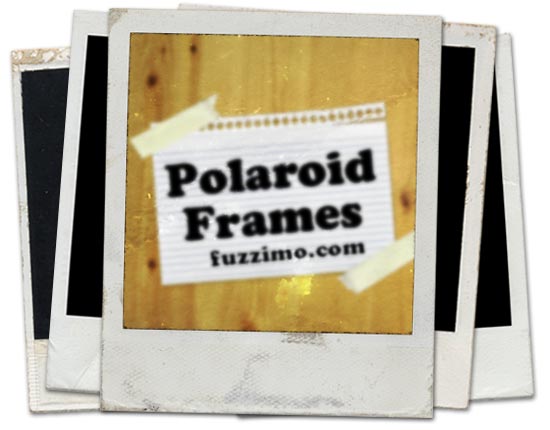
Ah, the good old days. The Polaroid 600 instant photos have been around forever and despite technological advances they are as cool as ever. Well at least in the design world :). I mean who hasn’t played with a Polaroid template turning images into vintage photos? So in that respect, here are some high resolution Polaroid frame images (around 5100x4200px).
Read more

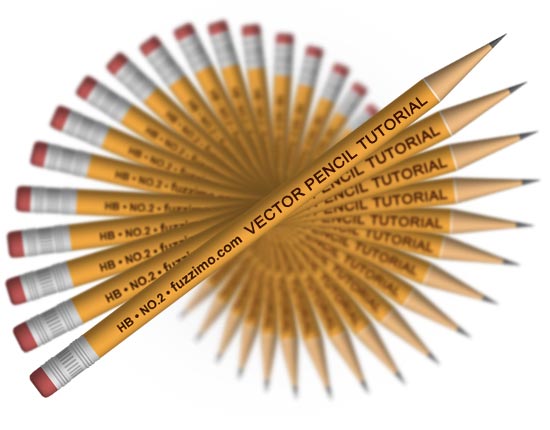
Time for another tutorial – how to make a 3d pencil using the Revolve tool in Illustrator. So just like any other project make a new document and save it. So the idea is to make a group of paths that resemble a dissected pencil and then give it a 3d volume by using the Revolve tool.
Read more
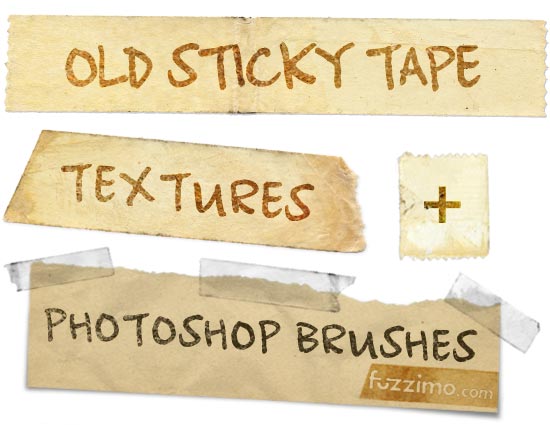
Now here’s something very useful – high resolution sticky tape textures and Photoshop brushes. The images are scans of a few old clear tapes that I have peeled off some book jacket covers. Well, they’re not so clear anymore as time has turned them brown yellow, but now they make cool adhesive tape textures :). As mentioned before the images are hi-res – tape strip width is around 610px.
Read more